JioTV remains India’s most comprehensive live television platform, boasting over 1,000 channels across 16+ languages, extensive sports coverage, and real-time catch-up TV. However, while JioCinema has a dedicated, native app in the Android TV Google Play Store, the standard JioTV mobile app is still officially restricted to smartphones and tablets. If you want the full JioTV live cable experience on your big screen without buying a separate set-top box, you need the right setup technique.
In 2026, getting JioTV on your smart TV is completely feasible and remarkably stable. Whether you use a Sony Bravia, OnePlus TV, Xiaomi Mi Box, Realme TV Stick, or an Nvidia Shield, this comprehensive tutorial will guide you through the verified methods to install, configure, and operate JioTV on any Android TV or Google TV device.
📺 Looking for channel numbers? Check out our up-to-date Jio TV live TV channel list with all 1,000+ channel numbers across JioFiber, AirFiber, and JioTV+ for instant navigation.
📌 Quick Answer: How to Install JioTV on Android TV (Step-by-Step)
To install and watch JioTV on Android TV or Google TV without a set-top box:
- Install SFTV and a File Manager: Download Send Files to TV and AnExplorer directly from your TV’s Google Play Store.
- Transfer JioTV APK: Download the latest clean JioTV APK on your Android smartphone and push it wirelessly to your TV via Send Files to TV.
- Allow Unknown Sources: On your TV, navigate to Settings → Apps → Special App Access → Install Unknown Apps and enable permissions for your File Manager.
- Install the APK: Open your File Manager, navigate to the Download folder, select the JioTV APK, and click Install.
- Log In & Activate: Open JioTV, enter your registered Jio mobile number, and input the SMS OTP.
Pro Tip: If you have an active JioFiber or Jio AirFiber broadband plan, simply search for and download the official JioTV+ app directly from the Google Play Store for native TV remote control operation.
Prerequisites: What You Need Before Starting
Before proceeding with installation, ensure you have the following prerequisites ready:
- An Active Jio Account: An active Jio mobile SIM number (prepaid or postpaid) with a valid recharge plan, or an active JioFiber / Jio AirFiber broadband connection. You will need this to receive an SMS OTP during initial authentication.
- Android TV or Google TV (Android 9.0 or higher): Ensure your smart TV or streaming stick has at least 1 GB of free internal storage.
- A Secondary Smartphone (Android or iOS): Connected to the same home Wi-Fi network as your TV for rapid file transfer.
- Mouse Toggle or Bluetooth Mouse (Optional but Highly Recommended): The standard JioTV mobile app was designed for capacitive touchscreens. While modified Android TV versions navigate smoothly via remote D-pad, having a wireless USB mouse or a virtual mouse app ensures seamless navigation across complex channel menus.
Method 1: Sideload JioTV via “Send Files to TV” (Easiest Wireless Method, No PC Required)
If you don’t want to mess with USB flash drives or terminal commands, this is by far the cleanest wireless method. We first download the verified JioTV APK to your phone and wirelessly push it to the TV.
Step 1: Install SFTV & a File Manager on Your TV
- Turn on your Android TV and open the Google Play Store.
- Search for “Send Files to TV” (SFTV) and click Install.
- Also search for and install “AnExplorer File Manager” or “File Commander”. This will allow you to execute the APK installer once transferred.
- Launch Send Files to TV on your television and grant storage permissions. Tap Receive.
Step 2: Transfer the JioTV APK from Your Mobile Phone
- On your Android smartphone, install Send Files to TV from the Google Play Store.
- Using your phone’s browser, download the latest stable JioTV APK release from a verified, trusted repository (such as APKMirror).
- Open SFTV on your phone, tap Send, navigate to your
Downloaddirectory, and select the downloaded JioTV APK file. - Select your Android TV from the discovered device list. The transfer will complete over your local 5GHz Wi-Fi within seconds.
Step 3: Enable Developer/Unknown Sources & Install
- On Google TV: Go to Settings → System → About, scroll down to Android TV OS Build, and press the Select button on your remote 7 times until you see “You are now a developer!”.
- Go to Settings → Apps → Security & Restrictions → Unknown Sources (or Install Unknown Apps on Android 12+), and toggle ON permission for your File Manager. For a deeper breakdown, read our comprehensive guide on how to sideload apps on Android TV.
- Open AnExplorer on your TV, navigate to the
Downloadfolder, click on the JioTV APK, and click Install.
Method 2: Install JioTV Using Downloader by AFTVnews
If you prefer installing directly from your TV without using a secondary phone, the Downloader app is the golden standard for smart TV sideloading.
- Install Downloader by AFTVnews directly from the Android TV Google Play Store.
- Go to your TV’s Settings → Apps → Special app access → Install unknown apps and allow Downloader.
- Open Downloader, click the URL input bar on the Home tab.
- Enter the direct URL or short numeric code corresponding to the verified JioTV APK Mirror page.
- Downloader will download the installer package. When prompted, select Install, then click Done and delete the setup file to save precious storage space.
Method 3: Official JioTV+ for JioFiber & AirFiber Subscribers
If you have an active JioFiber or Jio AirFiber broadband connection at home, you do not need to sideload anything at all!
Reliance Jio officially released the JioTV+ app natively designed for Android TV, Google TV, Apple TV, and Samsung Tizen. Here is how to access it legitimately:
- Open the native Google Play Store on your Android TV.
- Search directly for “JioTV+”.
- Click Install. The app is 100% remote-control optimized with native 4K UI and direct D-pad channel switching.
- Upon launching, log in using your registered JioFiber / AirFiber mobile number. Authenticate using the one-time OTP sent to your phone.
- You immediately gain access to 800+ live TV channels, plus bundled integration with Disney+ Hotstar, SonyLIV, Zee5, and SunNXT depending on your plan tier.
First-Time Setup: Logging In & Remote Control Navigation
Once the mobile JioTV APK is installed, here is how to configure it for effortless daily watching:
- Bypass Orientation Locks: Because JioTV is built for portrait phone screens, install the lightweight utility “Set Orientation” or “Rotation Control” from the store, and lock the system to Landscape mode. This ensures channels fill your full 16:9 widescreen panel.
- One-Time Authentication: Open JioTV. Enter your 10-digit Jio mobile phone number. Request the OTP, type it in using your on-screen keypad, and hit Submit. Once logged in, your session remains persistent for months.
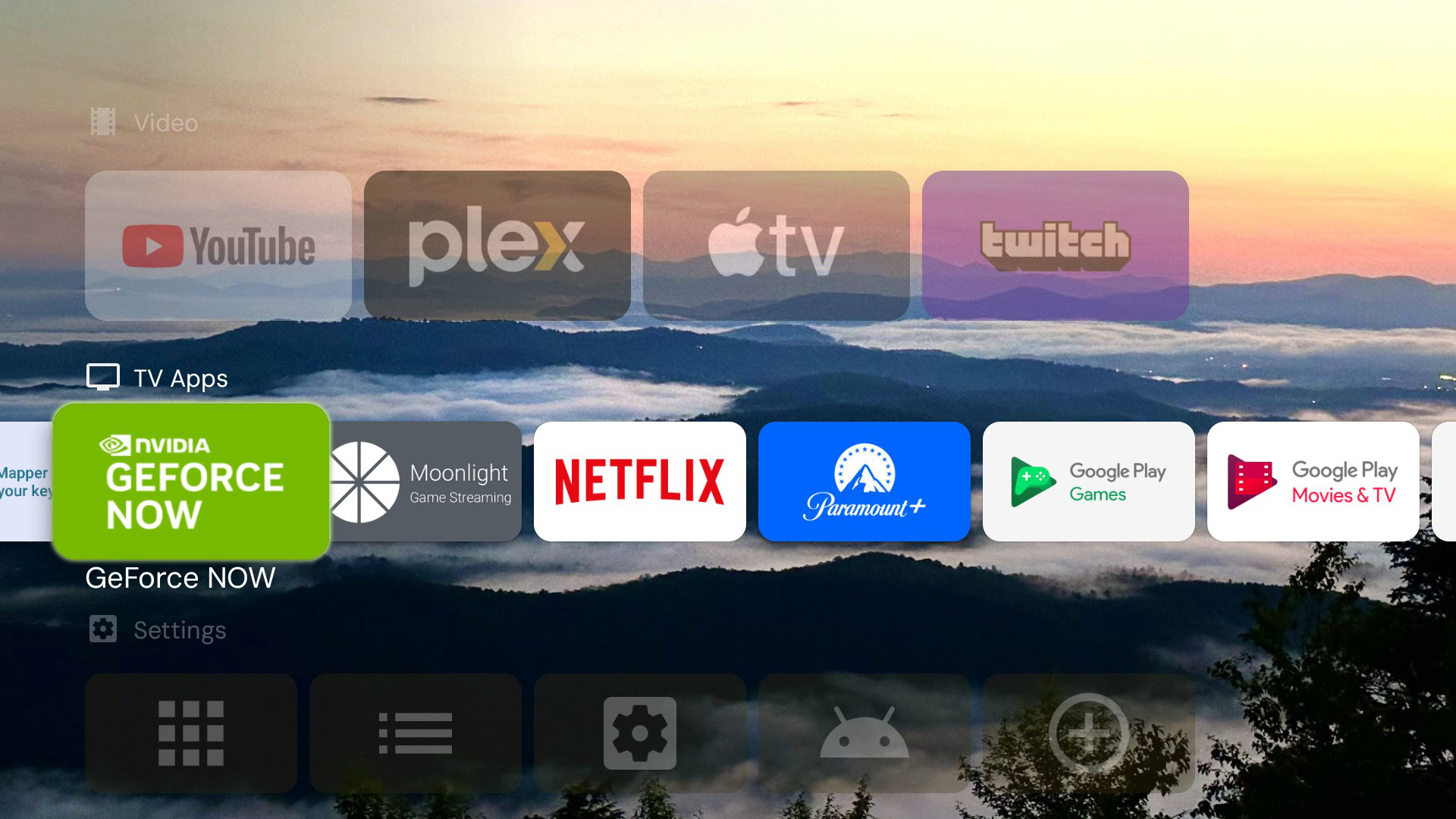
- Making Sideloaded JioTV Appear on Home Screen: On modern Google TV interfaces, sideloaded applications don’t automatically populate the top app ribbon. You can access it anytime via Settings → Apps → See all apps, or better yet, pair your TV with one of the best Android TV launchers like Projectivy or ATV Launcher, which automatically displays every installed app natively.
Platform Comparison: JioTV vs JioTV+ vs Competitors
| Platform | Eligibility | TV Play Store Availability | Live Channels | Remote Control Support |
|---|---|---|---|---|
| JioTV (Sideloaded APK) | Any active Jio 4G/5G Prepaid/Postpaid SIM | No (Sideload required) | 1,000+ | Partial (Requires Mouse Toggle / Pointer) |
| JioTV+ (Official App) | Active JioFiber / AirFiber plan (₹599+ / ₹999+) | Yes (Official Google TV App) | 800+ | 100% Native D-Pad Navigation |
| Tata Play Binge | Tata Play Subscriber / Standalone Sub | Yes | Limited Live + OTT | 100% Native |
| Airtel Xstream | Airtel Mobile / Wi-Fi user | Yes | 350+ Channels | 100% Native |
Troubleshooting Common JioTV Issues on Android TV
1. “Device Not Supported” or Black Screen on Startup
This typically occurs when the APK detects an incompatible ABI architecture. Ensure you are downloading the arm64-v8a or armeabi-v7a build of JioTV rather than an x86 PC build. Clear the app cache under Settings → Apps → JioTV → Clear Cache and reboot your television.
2. Error 403 or Infinite Buffering
Jio validates session tokens against the underlying IP address. If you are connected to a third-party non-Jio broadband Wi-Fi, JioTV may occasionally throttle playback. Connect your TV to your mobile Wi-Fi hotspot momentarily to renew the cryptographic token, or use the official JioTV+ app if you have JioFiber.
3. Cannot Scroll Down Channel Lists With TV Remote
The standard JioTV mobile app relies on swipe gestures. Download Mouse Toggle for Android TV or install the Android TV Remote Control app on your smartphone to use your phone display as a virtual trackpad.
Frequently Asked Questions
Can I watch JioTV without a Jio SIM card or Jio connection?
No. JioTV strictly requires an active Jio mobile number or JioFiber subscription for user authentication and stream decryption. However, the SIM card does not need to be physically in the television; you only need it to receive the initial verification SMS OTP on your phone.
Is it legal to sideload JioTV on Android TV?
Yes. Sideloading apps via standard Android developer options is completely legal. As long as you are using an official, un-tampered JioTV APK and authenticating with your own legitimate Jio account subscription, you are consuming content you have paid for.
Does JioTV support 4K UHD streaming on smart TVs?
The standard JioTV mobile app streams in up to 1080p Full HD. For 4K resolution sports feeds and higher bitrate Dolby Audio broadcasts, use JioCinema or the official JioTV+ TV app on compatible 4K HDR displays.
Can I use JioTV on Fire TV Stick?
Yes! Fire OS is built upon Android. You can use the Downloader app on Firestick to install the JioTV APK in exactly the same way as described in Method 2.
Conclusion
Installing JioTV on Android TV or Google TV unlocks massive cable TV value without added equipment costs. If you are a JioFiber or AirFiber subscriber, simply install the native JioTV+ app for the smoothest experience. For mobile subscribers, sideloading via Send Files to TV paired with a clean third-party launcher offers a robust, portable TV solution. Enjoy your favorite sports, regional news, and entertainment on the big screen!