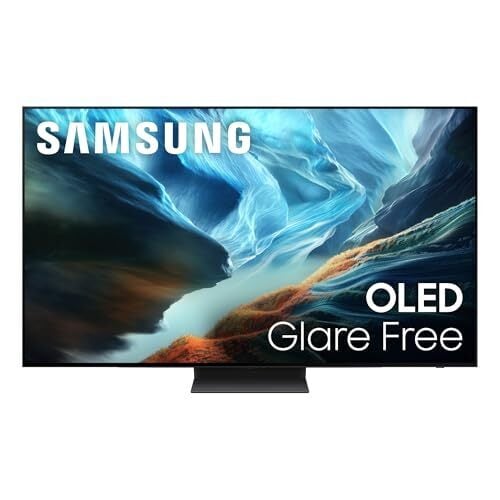
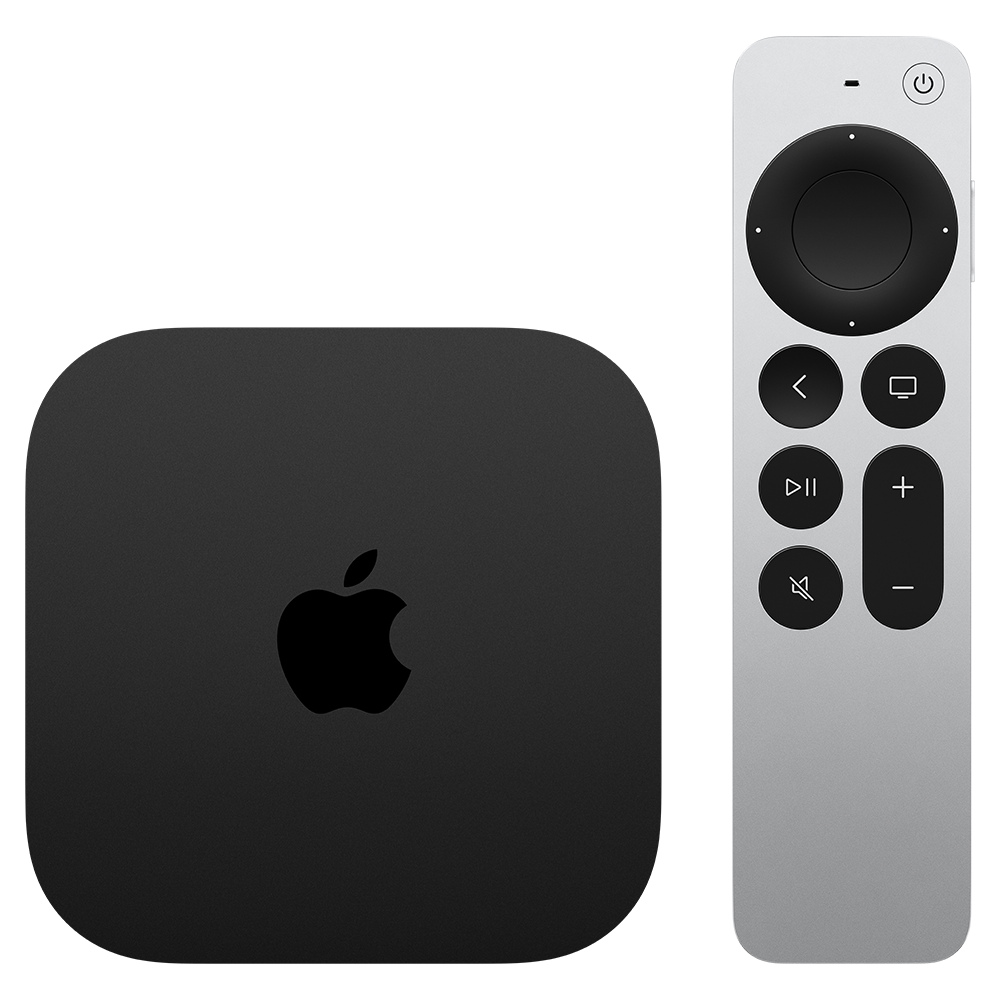
Modern smart TVs running platforms like Google TV, Samsung Tizen, and LG webOS serve as the primary entertainment hub for millions of households. Out-of-the-box factory settings rarely deliver the best image quality, network privacy, or frame processing. Fine-tuning an operating system, selecting proper physical ports, configuring virtual private networks (VPNs), and leveraging offline capabilities can significantly improve the viewing experience on any display panel.
Also Read: Smart TV Early Sales Slash OLED and Mini-LED Flagship Prices
Configuring HDMI 2.1 Ports and High-Bandwidth Cables
Most modern smart TVs include multiple HDMI inputs, but these ports are not created equal. Connecting a high-end streaming box or next-generation gaming console into a standard HDMI 2.0 port limits throughput to 60Hz at 4K resolution. HDMI 2.1 ports provide the necessary bandwidth for 4K content at 120Hz refresh rates with variable refresh rates enabled.
Using certified Ultra High Speed HDMI cables prevents visual artifacts, frame drops, and dynamic range dropouts. While basic streaming sticks are priced around ₹3,499 (~$40), premium set-top streaming hardware with full 4K HDR support ranges up to ₹16,999 (~$199). Matching your physical source output to an equivalent TV input standard ensures maximum clarity across all inputs.
Display Calibration: Disabling Motion Smoothing and Picture Profiles
Factory picture presets often enable aggressive post-processing algorithms. Features known as Motion Estimation, Motion Compensation (MEMC), Action Smoothing, or Auto Motion Plus insert artificial frames between existing source frames. This processing causes cinematic 24fps movies to look like video broadcasts, creating an unnatural Soap Opera Effect. Disabling motion interpolation in display menus immediately restores authentic framerates.
Picture profile selection also changes color accuracy. Standard settings like Cinema or Movie mode replicate proper color temperatures and contrast scales intended by creators. Manual adjustments to the sharpness slider should be kept minimal. Excessive sharpness causes edge halos and visual noise. Enabling High Dynamic Range (HDR10 or Dolby Vision) inside TV settings unlocks maximum panel peak brightness for compatible content.

Managing Ambient Lighting and Ambient Placement
Reflective display surfaces severely reduce effective contrast ratios in bright environments. Direct window light or unshielded lamps placed directly opposite the TV screen degrade dark scenes. Positioning the television away from primary light sources or installing blackout blinds preserves deeper black levels.
Installing soft LED bias lighting behind the panel reduces eye fatigue during extended viewing sessions in dark rooms. Bias light balances the contrast gap between a bright screen and an ambient room without throwing reflections onto the panel surface. Viewing distance should also match screen size, a reliable guideline is dividing screen size in inches by 10 to establish the recommended distance in feet.
Network Management and Native VPN Installation
High-bitrate 4K streaming demands consistent throughput. While internal Wi-Fi antennas offer convenience, direct Ethernet connections or high-bandwidth mesh Wi-Fi networks eliminate buffering and resolution drops. Keeping TV software updated over the air resolves underlying network stack bugs and patches security vulnerabilities.
To secure internet traffic and overcome regional content limits, setting up a VPN on your TV interface provides encrypted routing. Android TV, Google TV, and Amazon Fire TV platforms support direct app downloads for popular VPN services via their respective app stores. Devices without native VPN support can route encrypted connections through a pre-configured Wi-Fi router or by creating a shared virtual hotspot from a PC or Mac notebook.
Offline Capabilities and Peripheral Setup
Smart TVs remain operational even when internet access drops. Built-in digital tuners process over-the-air broadcasts when paired with standard RF antennas. External peripherals connected via HDMI, such as Blu-ray players, game consoles, and PCs, function without active network links.
Local file playback through USB storage drives allows users to watch high-bitrate media files directly through built-in media player apps. System settings menus remain accessible offline for brightness, contrast, and audio adjustments, ensuring the display panel maintains utility during network outages.